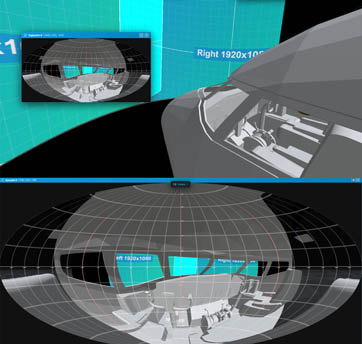
Design in 3D, validate brightness, coverage, and occlusion, and deliver clear outputs for clients, creative teams, and technical stakeholders — all in your browser.
VIOSO has powered thousands of projection installations worldwide. Experience Designer brings that expertise to planning, so planners, artists, and AV specialists can align early, validate feasibility, and present with confidence before deployment.
Keep creative intent and technical feasibility in the same workflow.
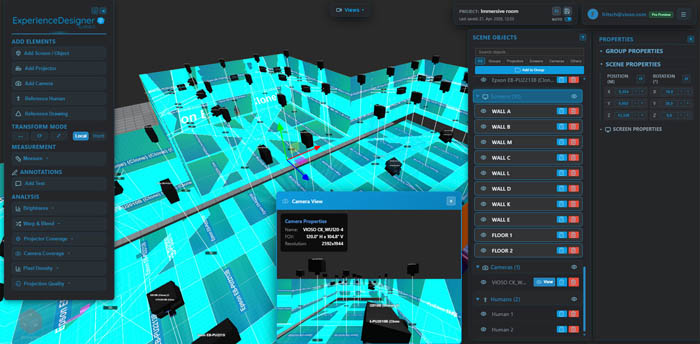
Build your scene with projectors, screens, and obstacles in 3D. Use real manufacturer specs and import custom geometry when needed.
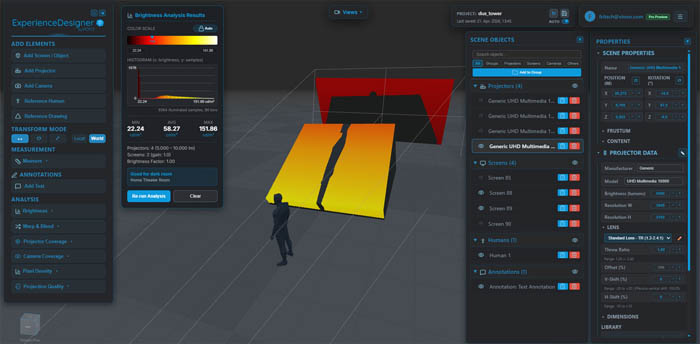
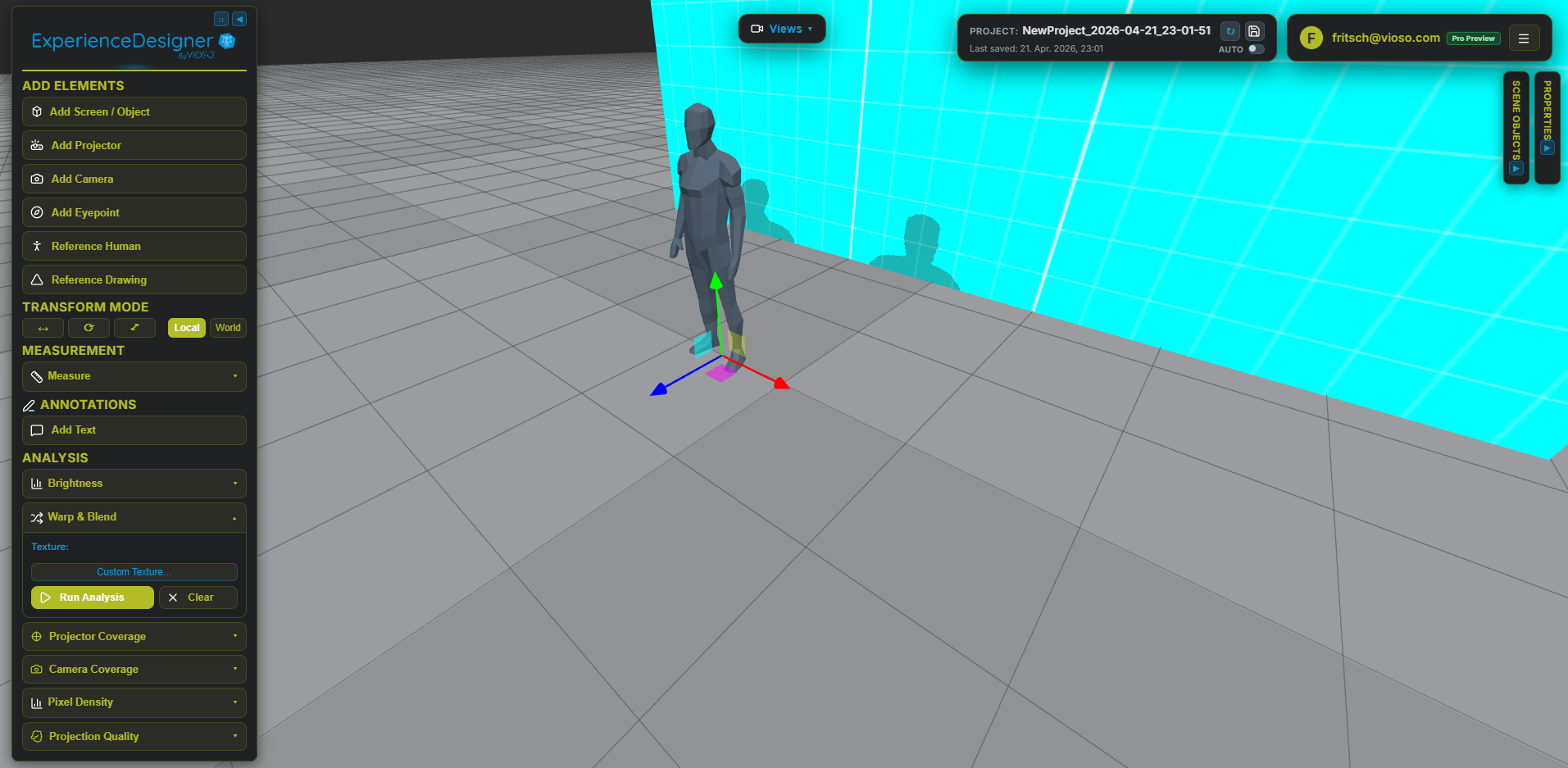
Check brightness, pixel density, overlap, and occlusion in real time as you refine the layout. Per-pixel photometric analysis replaces manual guesswork with measurable results.
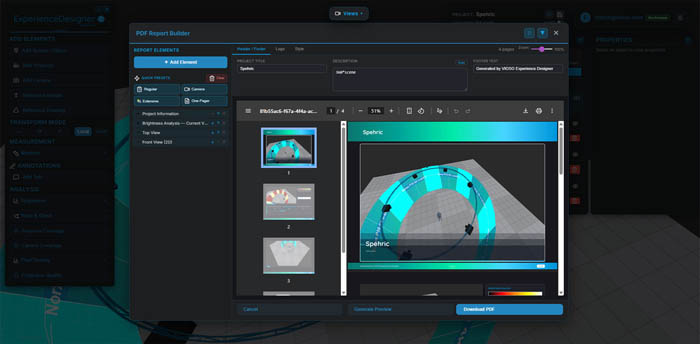
Generate PDF reports with technical data and visuals, then share an interactive 3D link so stakeholders can review and approve faster.
Accessible for planners and creatives, with the technical depth
AV teams expect.
Run 50+ projectors simultaneously with per-pixel brightness and overlap analysis. The rendering engine uses texture arrays and shared depth maps — so performance stays smooth even on complex rigs.
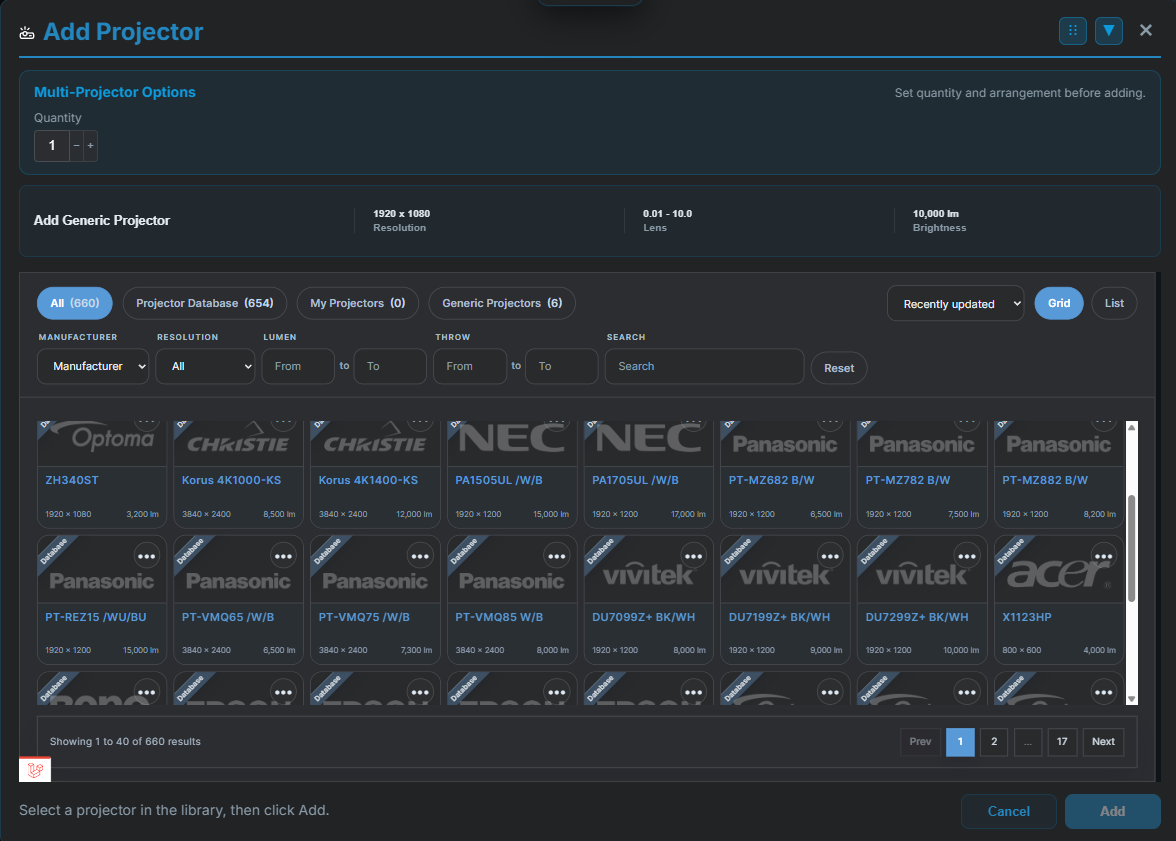
Pick from 660 real projector models (Panasonic, Christie, Barco, Norxe, Epson, and more) with manufacturer specs baked in.
Illuminance in lux. Pixel density in px/m. Angular resolution. Uniformity ratios. All computed per-pixel, not estimated from center-screen values.
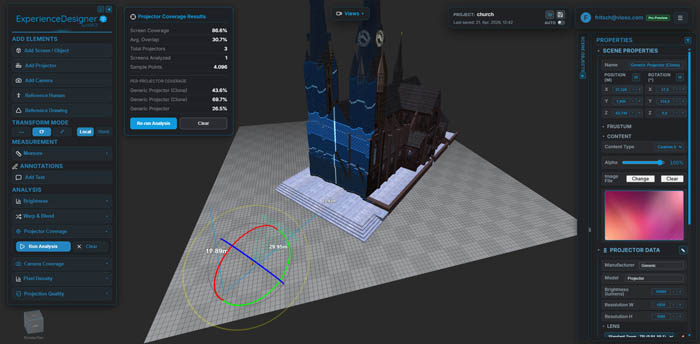
GPU-based occlusion detection shows exactly where objects or other projectors block light — before you discover it during setup.
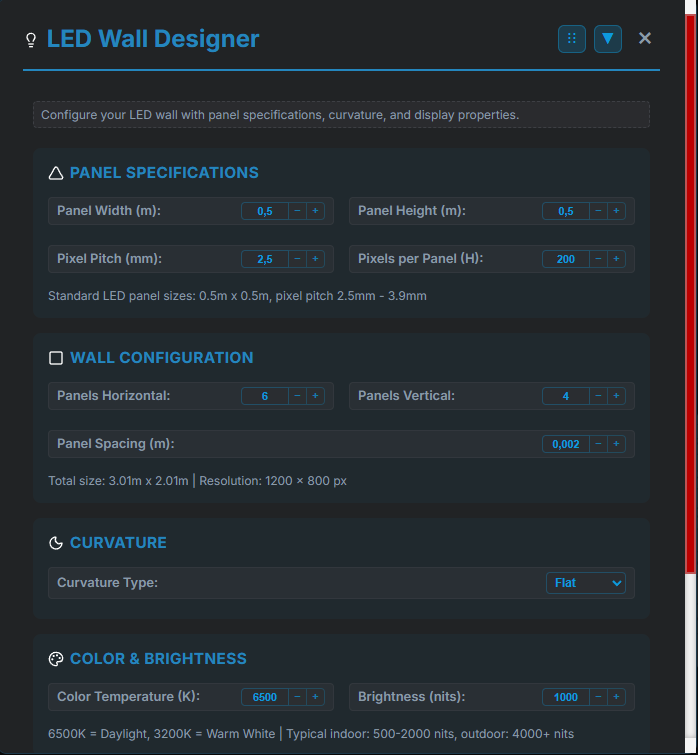
Flat, curved, cylindrical, dome, spherical. LED walls with pixel pitch, brightness in nits, and curvature settings. Import OBJ, FBX, or GLTF models as custom projection surfaces.
If you can project on it in the real world, you can plan it here.

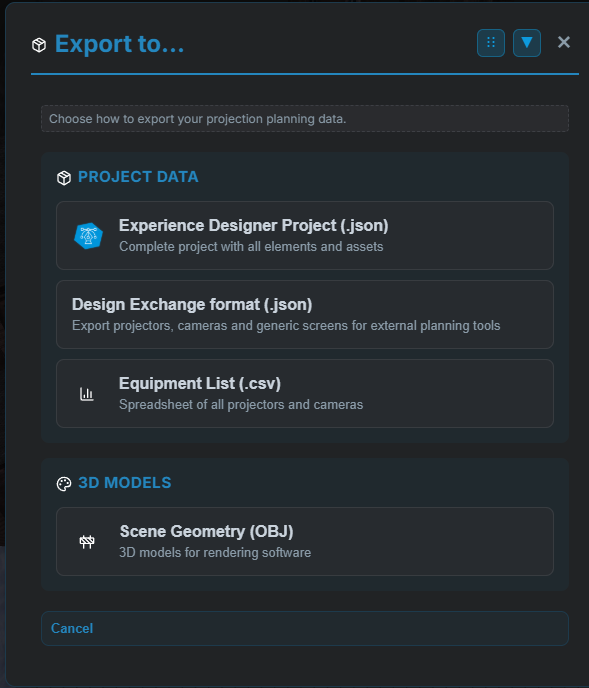
Generate polished PDF reports with projector specs, photometric data, and scene screenshots — ready to hand to a client or attach to a proposal. Export your full scene geometry as OBJ for use in rendering or CAD software.
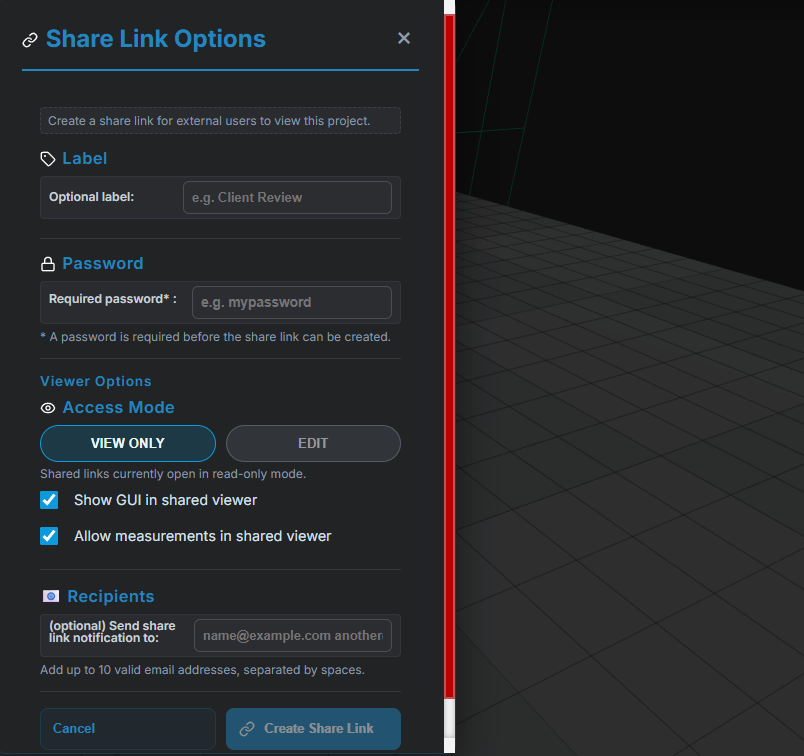
Share an interactive 3D link so stakeholders can explore the projection layout themselves — no login, no install, no back-and-forth. Equipment lists export as CSV for procurement spreadsheets, and full project data saves as JSON for backup or handoff.
600+ real projector models for reliable system planning.
Plan LED surfaces with pixel pitch and brightness-aware setup controls.
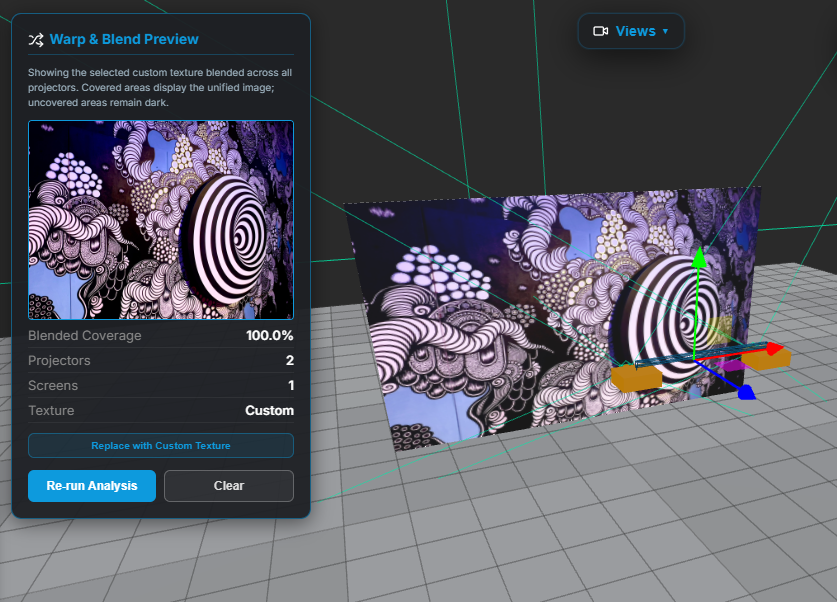
Preview creative content placement directly in the 3D environment.
Share planning scenes with teams and clients using interactive links.
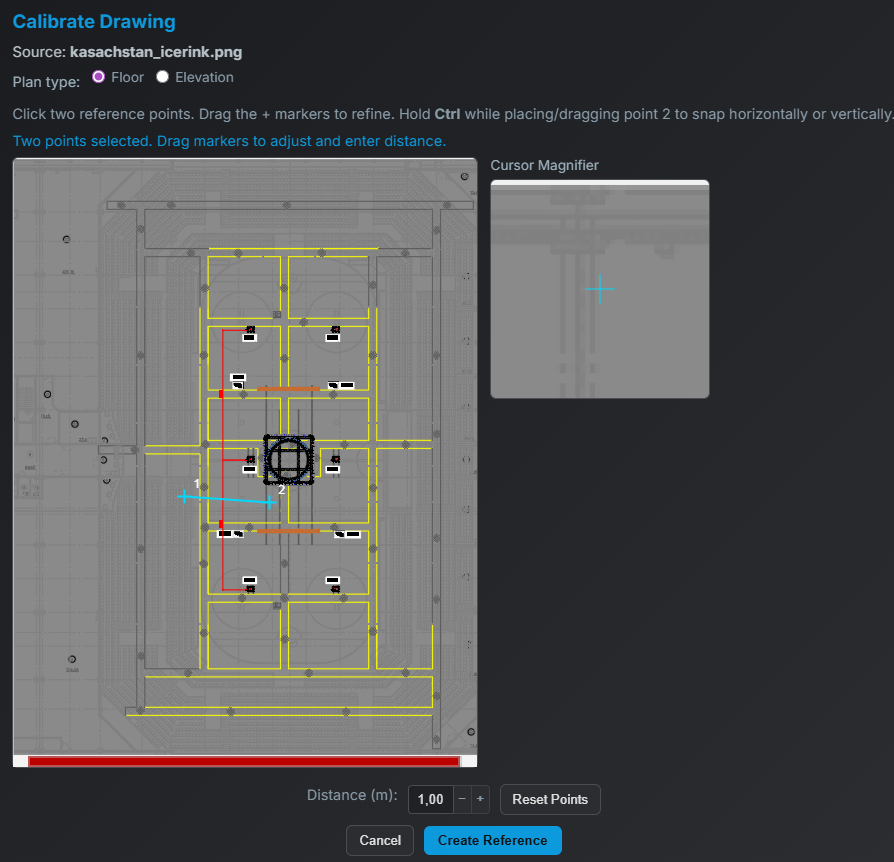
Import scaled drawings as direct reference for accurate planning.
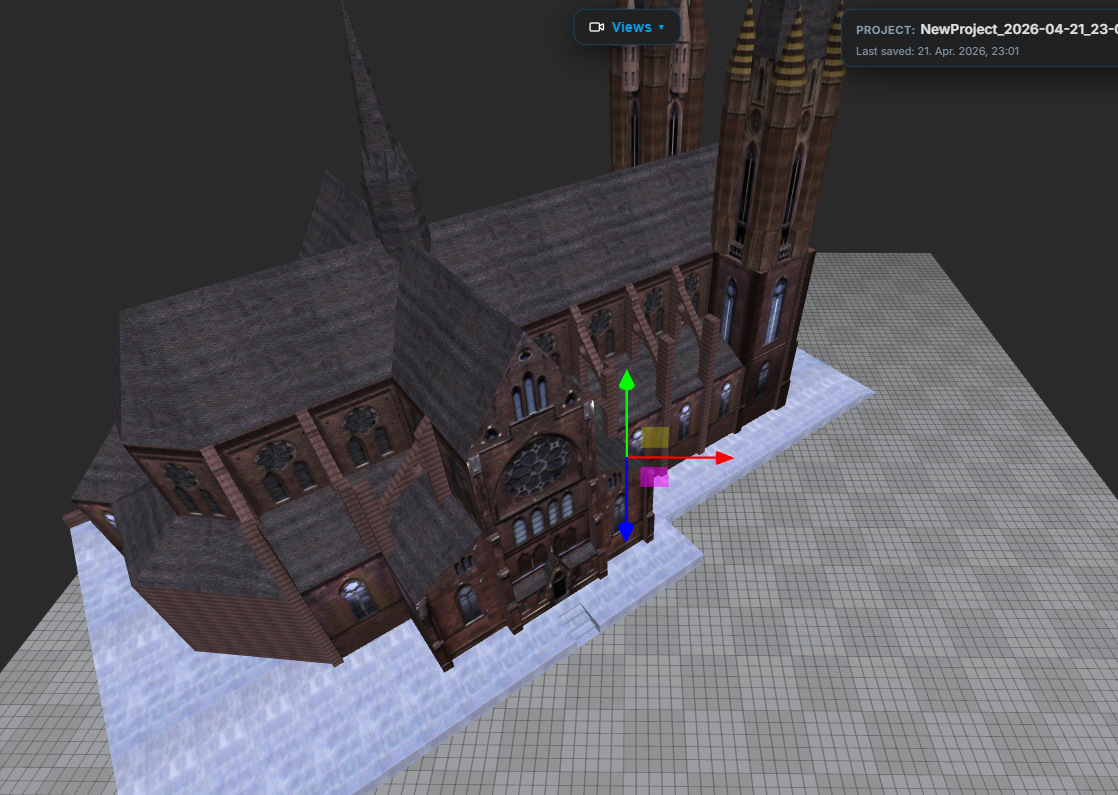
Bring custom geometry into your project for realistic surface planning.
Export the planned scene mesh for downstream rendering and workflows.
Customize interface and project setup for team-specific workflows.
A cloud-based platform enabling simulation engineers, defense integrators, and AV specialists to design, simulate, and validate complex projection systems with high physical accuracy – before deployment.
Experience Designer supports use cases such as:
- Full-dome and cylindrical simulators
-
Cockpit and driver training systems
-
Immersive command and control environments
- Research and engineering simulation setups
The platform allows engineers to replicate real-world optical behavior and evaluate system performance under realistic conditions.
Beyond visual planning, Experience Designer provides detailed analytical tools required in simulation workflows:
-
Pixel-level resolution and coverage analysis
- Luminance distribution and photometric validation
- Shadowing and occlusion analysis
- View-dependent system evaluation
These capabilities support objective system verification, not just visual approximation.
Built for teams that need creative clarity and technical confidence in the same tool.
Help clients and internal teams see the same plan early, with visuals and measurable data before equipment ships.
Replace scattered PDFs and spreadsheets with interactive 3D scenes everyone can understand — from creative direction to technical delivery.
Live analysis helps catch brightness gaps, occlusion issues, and coverage problems before they become costly on-site fixes.
Use Free for exploration and concepting. Use Pro for delivery, advanced outputs, and client-facing workflows.
Planning internally? Free is a strong start. Delivering externally? Pro adds the advanced output stack.
Design & explore
Present & deliver
White-label & enterprise
Open the workspace, build your first scene, and validate performance with live analysis. No install, no credit card required.
Start DesigningFree plan available · No credit card required